CySight Linux Installation Script
Posted: Sun Jun 01, 2025 3:22 pm
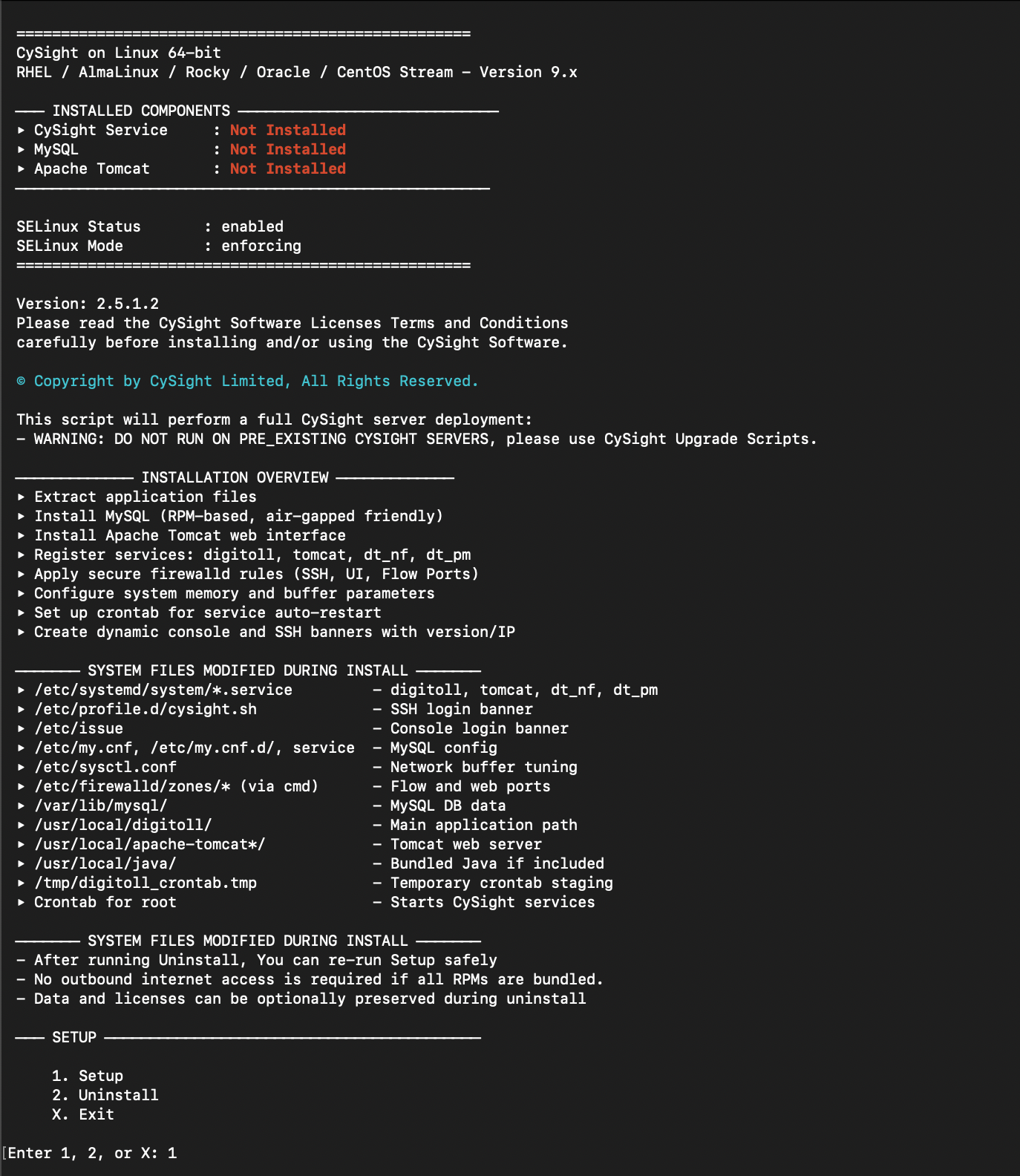
CySight Installation Instructions
For RedHat, AlmaLinux, Rocky, CentOS Stream, and Oracle Linux (7/8/9)
 Step-by-Step Installation:
1.
 Download Installer & MD5 Checksum:
 https://cysight.ai/go/ty-download/
2. Create a dedicated install directory:
Code: Select all
mkdir 2.5.1.3 && cd 2.5.1.3Code: Select all
tar xvf CySight-v2.5.1.3-x86_64.tar- Release_notes.txt
- Version.txt
- digitoll_setup.tar
- digitoll_setup_be.tar
- digitoll_setup_fe.tar
- digitoll_setup_java.tar
- digitoll_setup_mysql.tar
- digitoll_setup_nf7.tar
- digitoll_setup_tomcat.tar
- install.sh
Code: Select all
./install.sh- Logout and log back in to finalize environment updates.
- Open a browser and navigate to:
Code: Select all
https://<your-server-ip>:8443 - Default login credentials: admin / admin
 Post-Install Configuration:
- Load your license key (emailed after registration).
- Refresh your browser to unlock all UI features.
- Start sending NetFlow or enable cloud log extraction.
- You’ll soon see data populating the analysis dashboards.
 Need Help?
 Reach out to the CySight team at support@cysight.ai.
 License & Support Documentation: